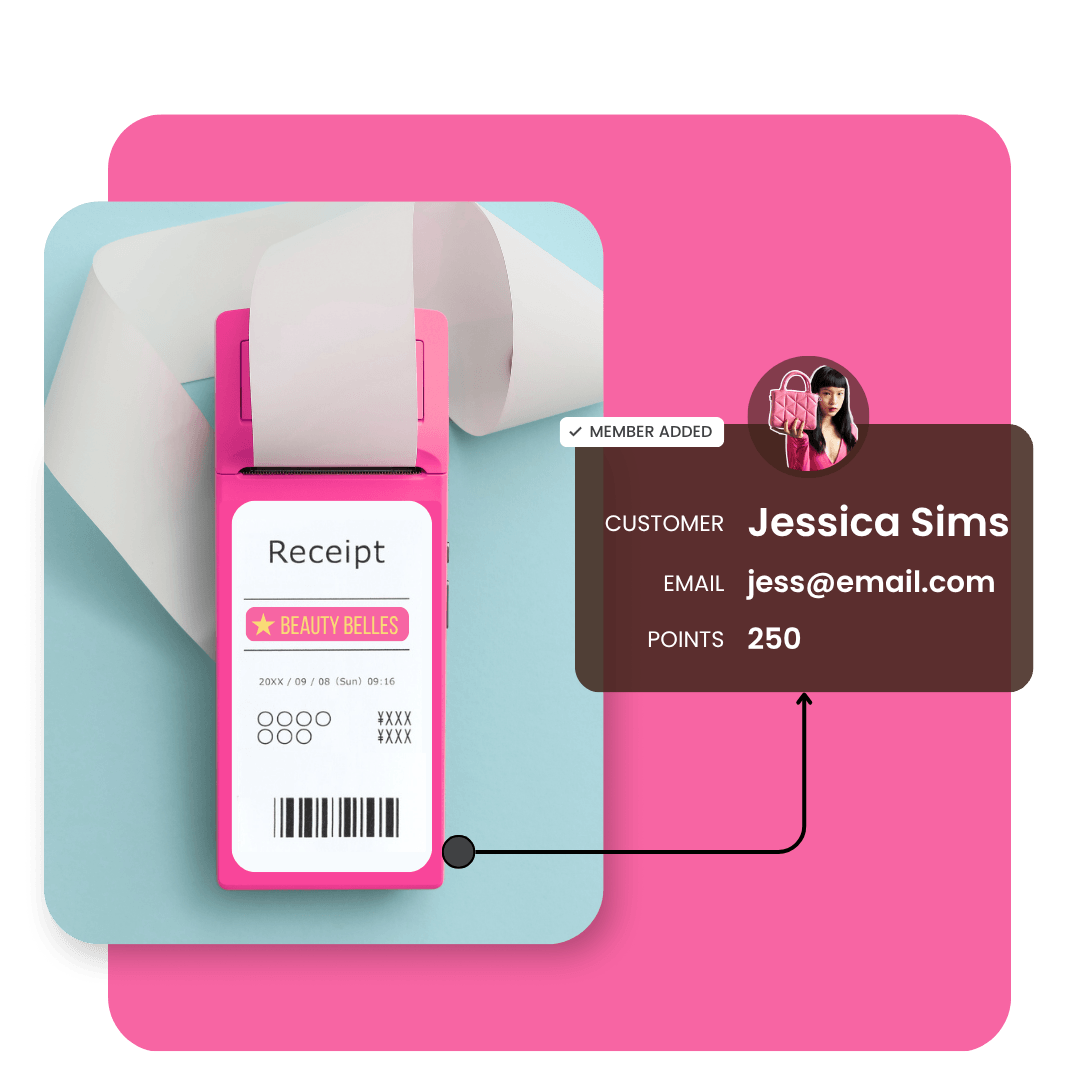
Identify retail buyers, reward their loyalty and turn them into repeat direct-to-consumer customers.
Book a demoTurn anonymous retail purchases into identifiable customers you can market to.
Recognize loyalty across retail, wholesale, and partner channels.
Capture, nurture, and convert retail shoppers into direct repeat customers.
See the full picture of customer behavior across retail and direct channels.
LoyaltyLion’s Receipt upload rule turns your anonymous retail buyers into identifiable customers who buy direct. Here’s how it works:
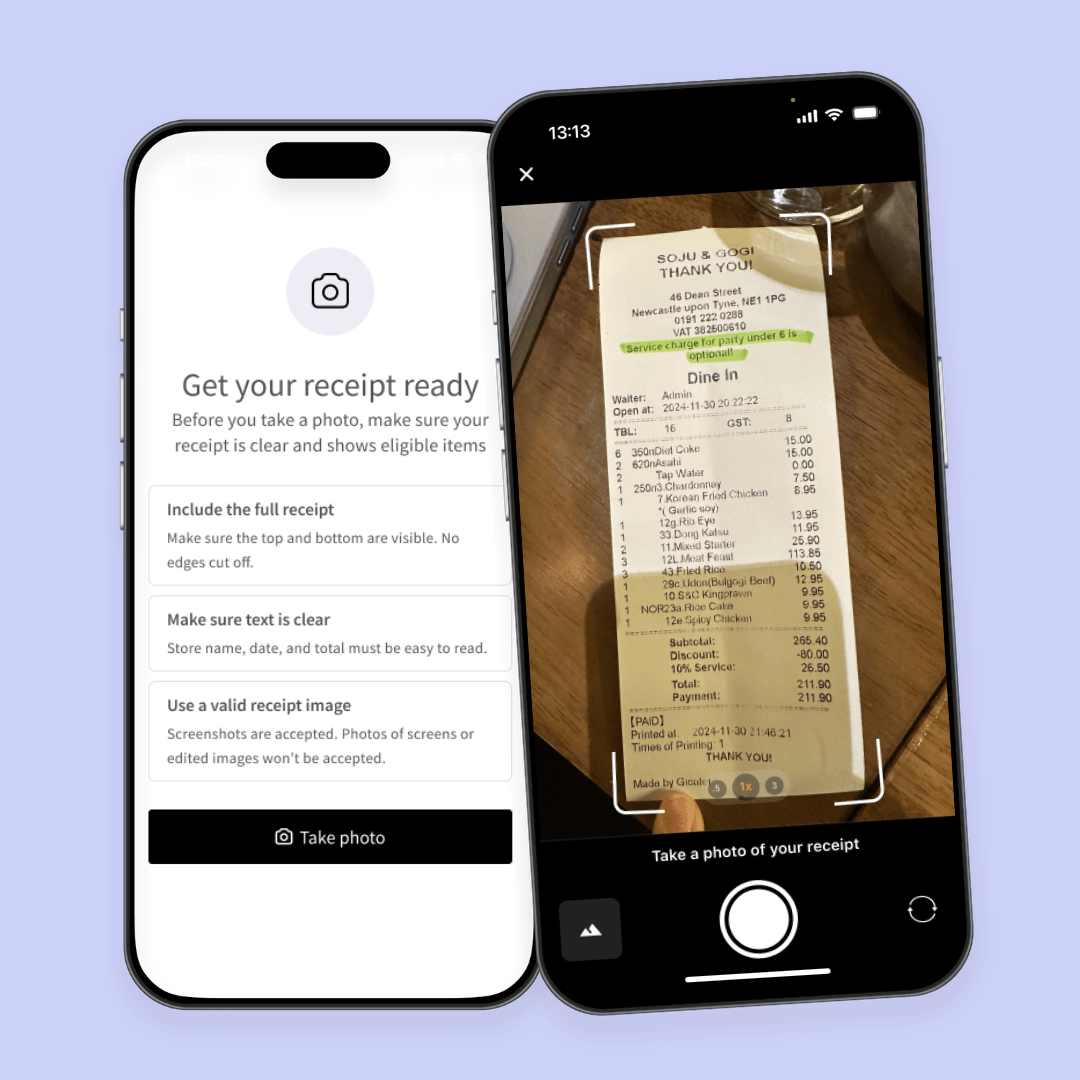
1. Capture
Customer takes a photo of their receipt and uploads it via your loyalty page or link. No forms or friction.
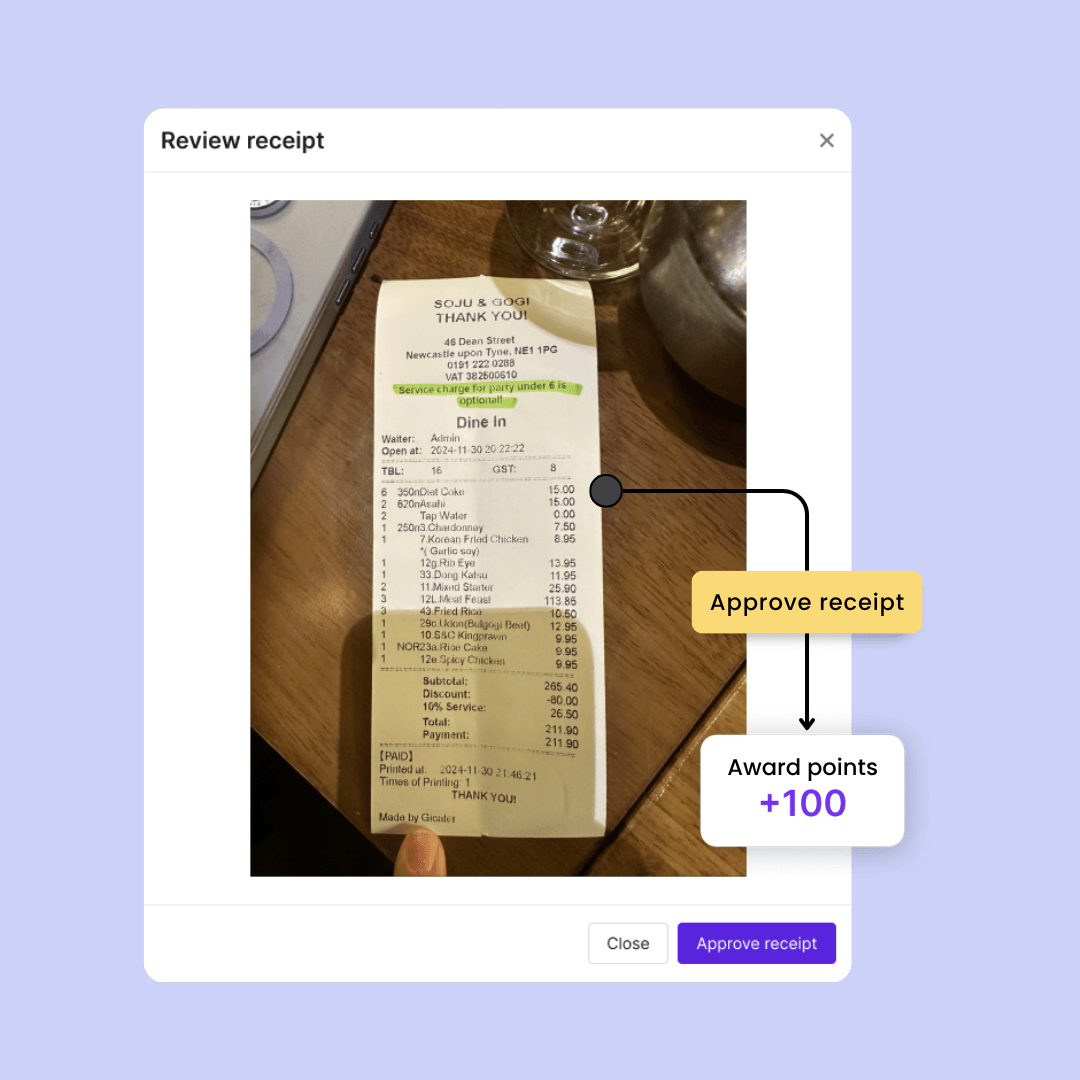
2. Validate
Set rules to automatically approve valid receipts and flag suspicious ones for review, helping protect your program as it scales.
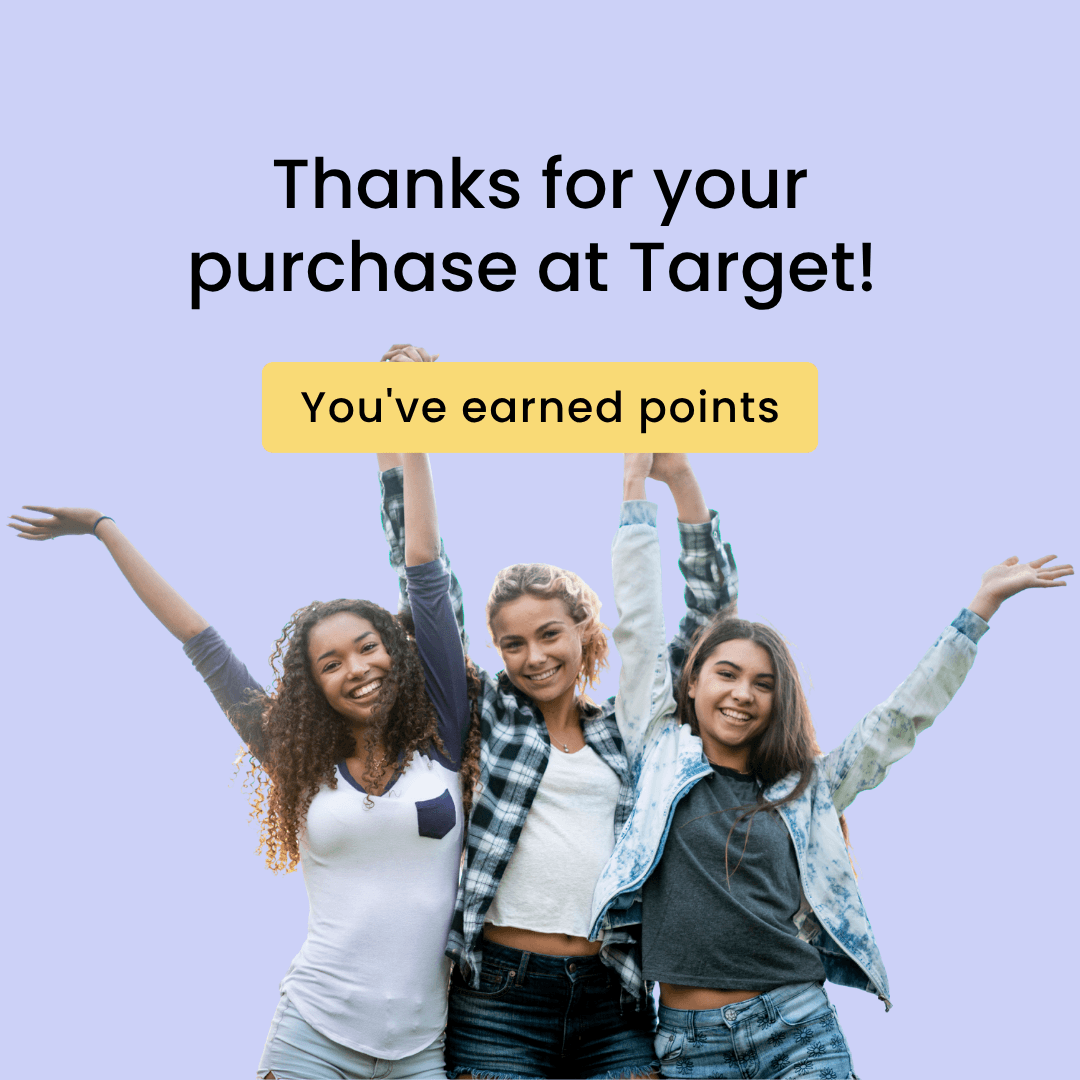
3. Reward
Customers receive loyalty points instantly, creating a positive moment that drives repeat engagement.

4. Convert
Use rewards and personalized messaging to nurture retail buyers into loyal customers who return to buy directly.

Capture customers wherever your products are sold:
Capture buyers in your own retail locations where POS isn’t integrated with your loyalty program
Reward wholesale purchases, both online and in-store (e.g. Sephora, Target)
Reward purchases from sister brands, collabs and partnerships
Set specific retailers, date limits and customer usage
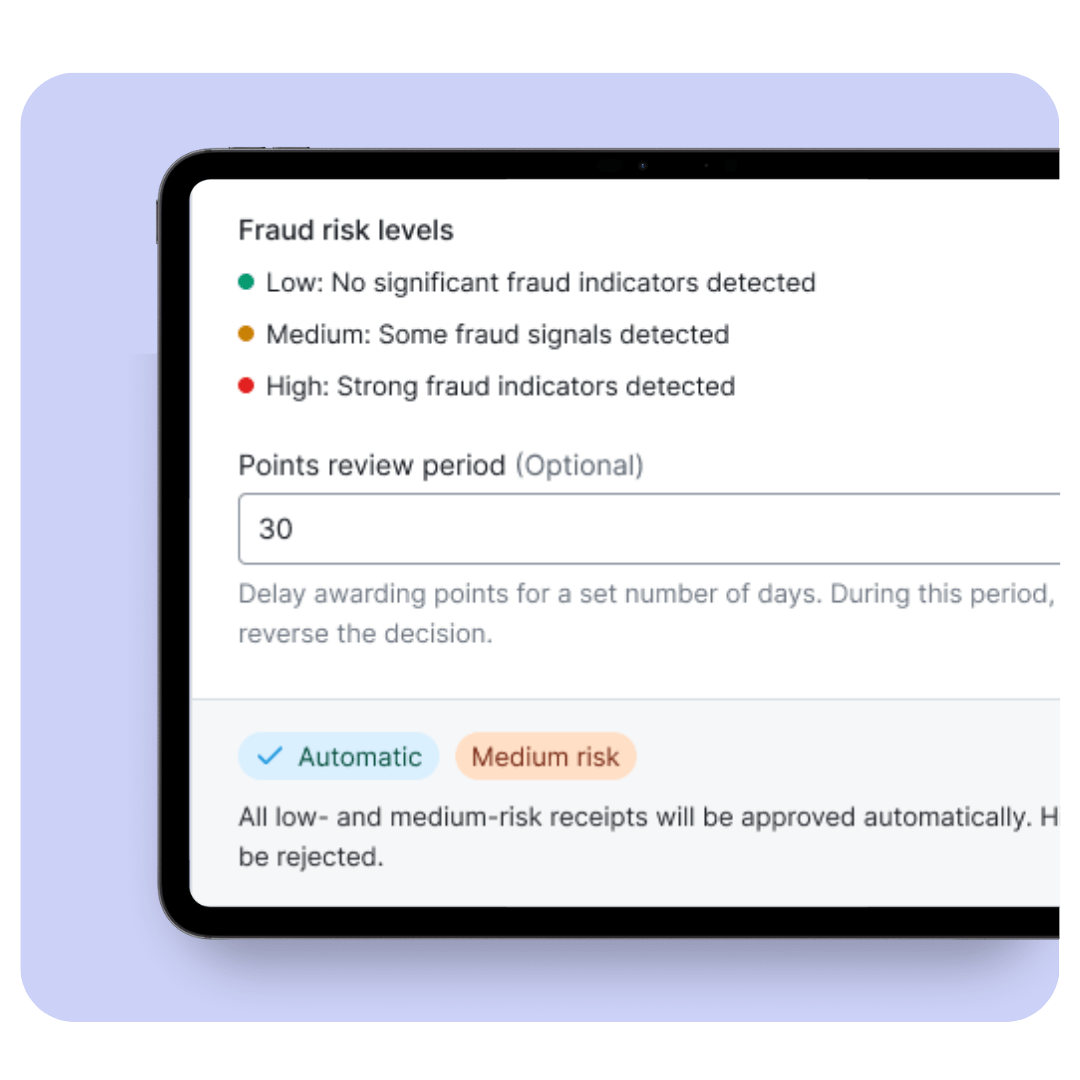
Block duplicate uploads and suspicious activity automatically
Fraud detection, set risk level, automatic and manual approvals
How Receipt upload works
Customers upload a photo of their receipt to earn loyalty points — turning retail purchases into identifiable customer relationships.
Receipts can be submitted:
– On your loyalty page
– Through a dedicated upload link shared via email, SMS, packaging, or in-store
Customers sign in or join your loyalty program as part of the process, ensuring every receipt submission connects to a known customer profile.
Behind the scenes, receipts are checked against your configured rules, including approved retailers, purchase dates, and submission limits. If the receipt meets your criteria, rewards are issued automatically. If additional checks are needed, submissions can be flagged for manual review.
Once approved, customers earn points in your program and continue earning toward rewards they can redeem in your store, encouraging repeat purchases and ongoing engagement.
Control how receipts are approved
Define the rules that determine which receipts are eligible for rewards.
Receipt upload allows brands to set guardrails that reflect their retail strategy, promotional periods, and operational policies.
You can configure:
– Approved retailers or partner stores
– Valid receipt purchase date ranges
– Maximum number of submissions per customer
– Spend thresholds or reward limits
– Manual approval workflows when needed
These controls help you protect your program while scaling participation across retail and partner channels.
Where Receipt upload can be used
Receipt upload works across retail, partner, and marketplace channels without requiring POS integration.
Customers can submit proof of purchase from a wide range of sources, allowing brands to identify buyers wherever transactions occur and build a direct relationship with them.
Common channels include:
– Wholesale retailers
– Physical retail stores
– Online marketplaces
– Partner or sister brands
– Owned retail environments with custom POS systems
This allows brands to extend loyalty beyond ecommerce and connect retail purchases to long-term customer relationships.
Is receipt upload included in all plans?
Receipt upload is a paid feature add-on. If you would like to add this functionality to your LoyaltyLion account, please reach out to your Account Manager or contact our Support team.
Start converting anonymous retail purchases into measurable, repeatable revenue.









© Copyright 2026. All rights reserved.
