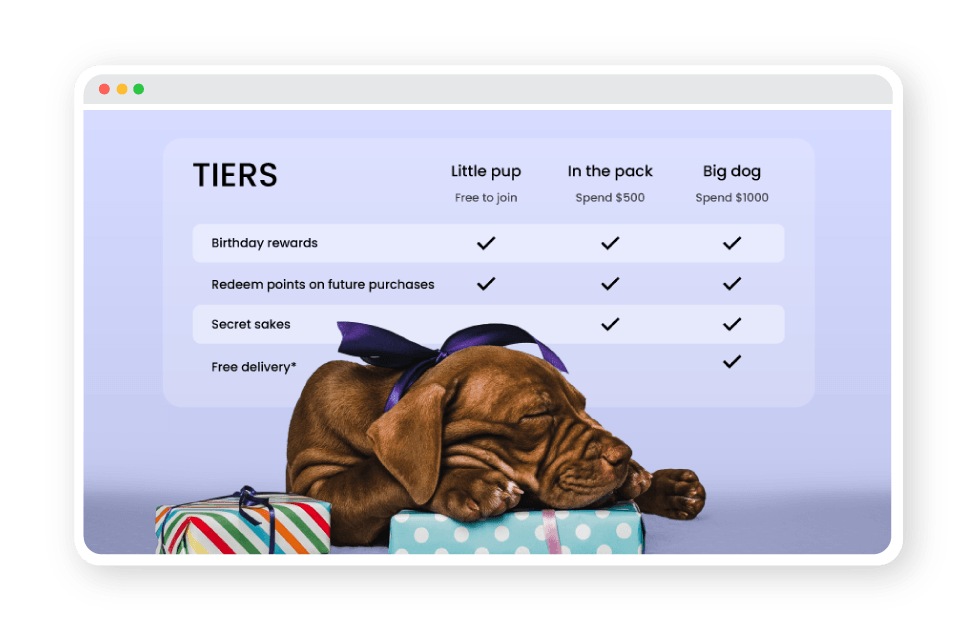
Encourage repeat purchases and deeper engagement by unlocking better rewards, perks, and experiences as customers progress through your VIP tiers.
Gamify the customer journey to transform occasional shoppers into high-value customers.
Deepen relationships with your top-tier members through exclusive perks and VIP experiences.
Clear tier goals motivate customers by showing them exactly what they’re working towards.
Tier types
Start simple or build something more advanced. LoyaltyLion supports multiple tier structures to match how your business works.
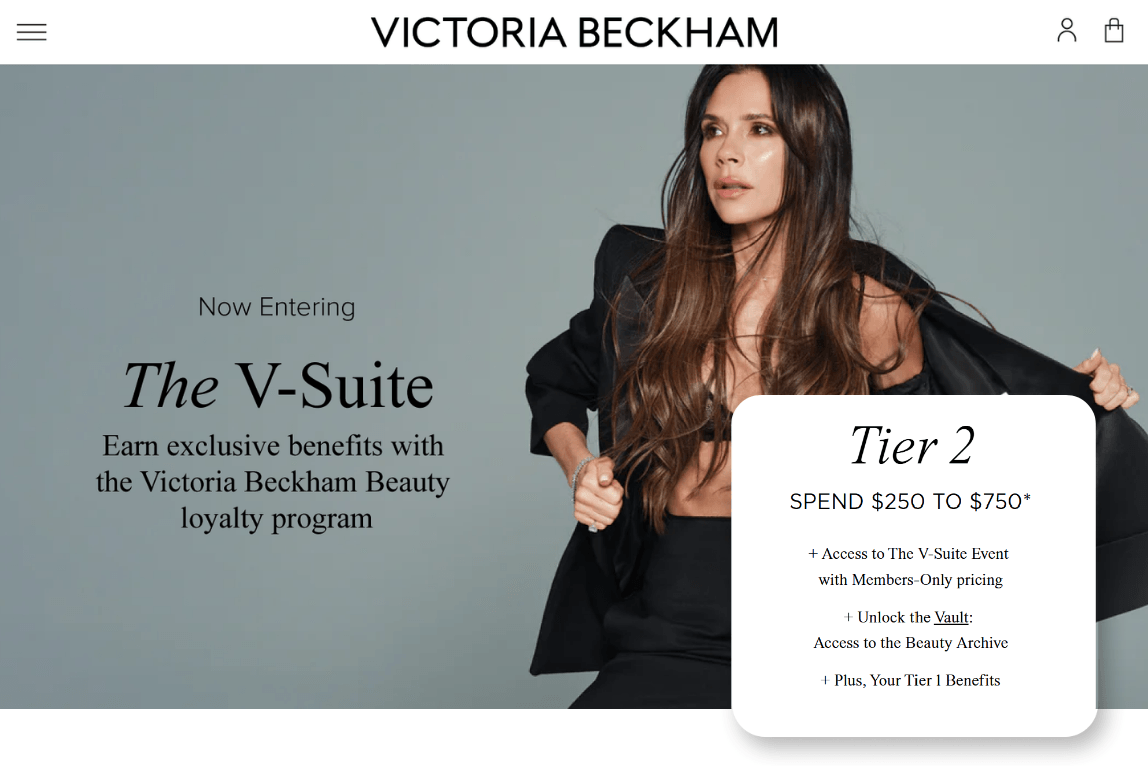
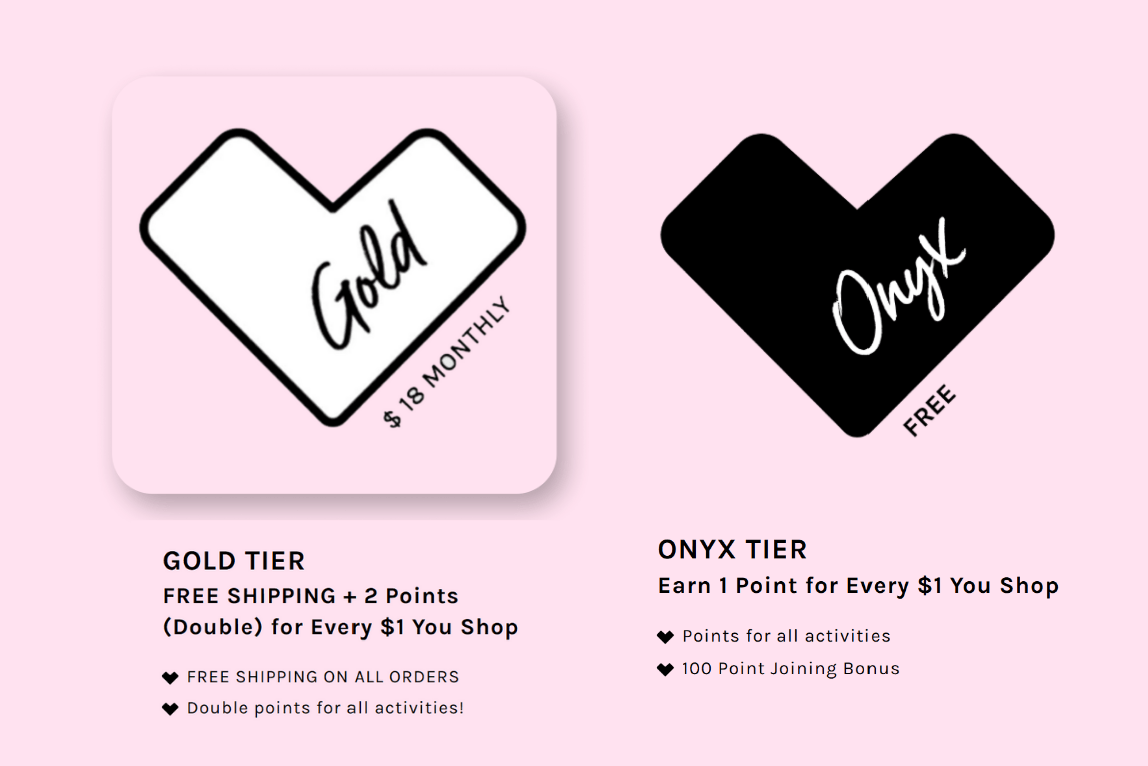
Classic tiers most brands start with
Public tiers based on spend, points, or actions with clear tiered progression.
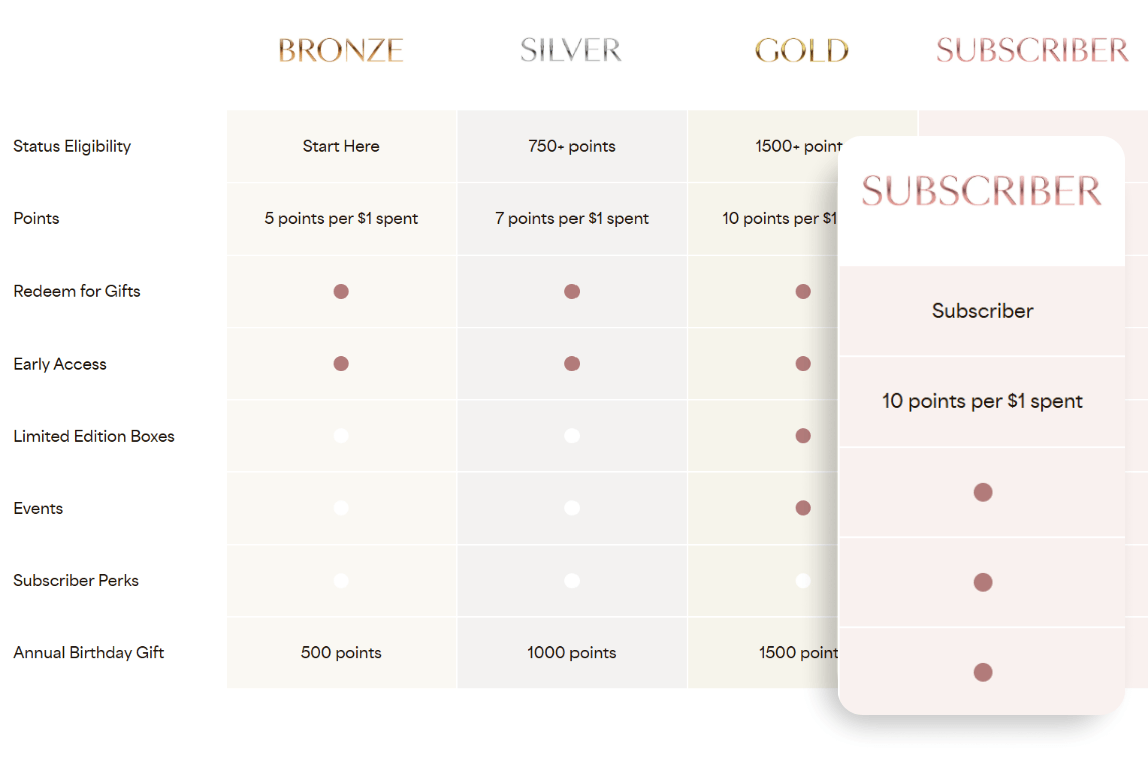
For brands with subscriptions
Reward subscribers who commit long-term. Integrate with Recharge & Loop.
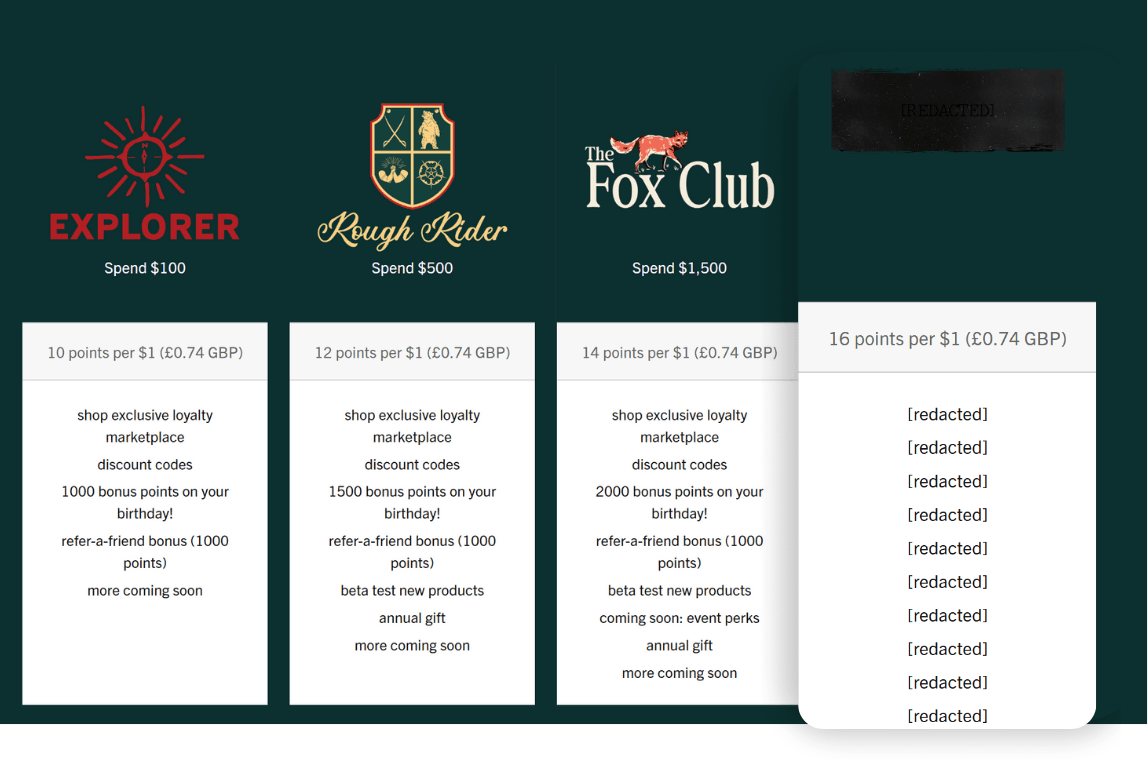
Private, invite-only rewards
Surprise and delight your VIPs and brand advocates behind the scenes.
Advanced targeting and control
Grant tier access to specific customer groups. Useful for paid programs & wholesale.
Tier benefits
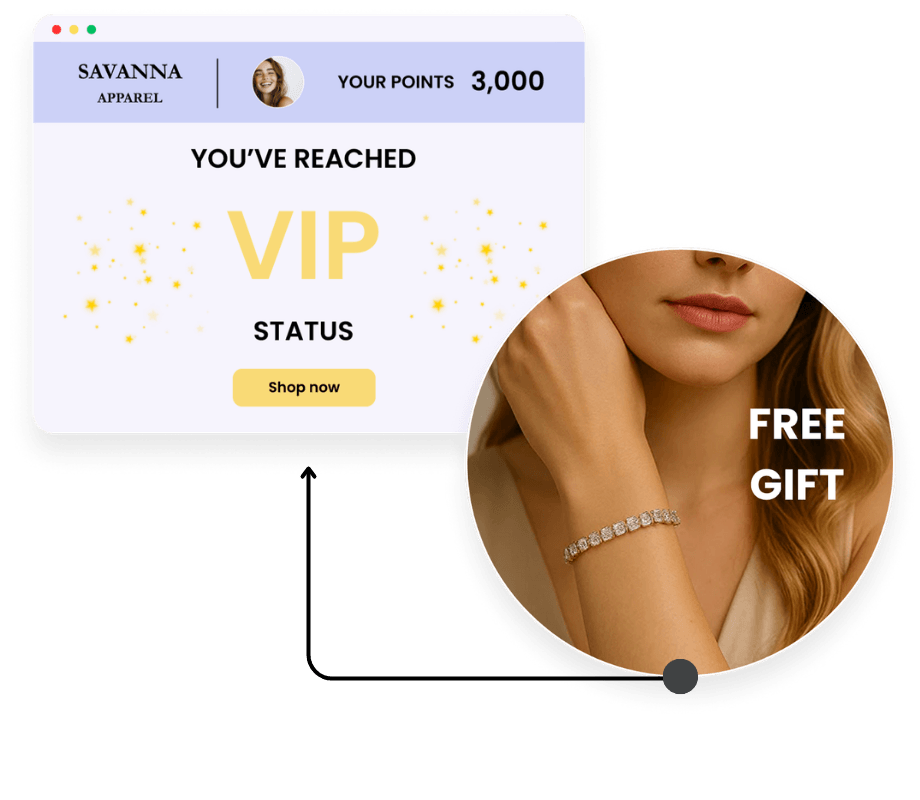
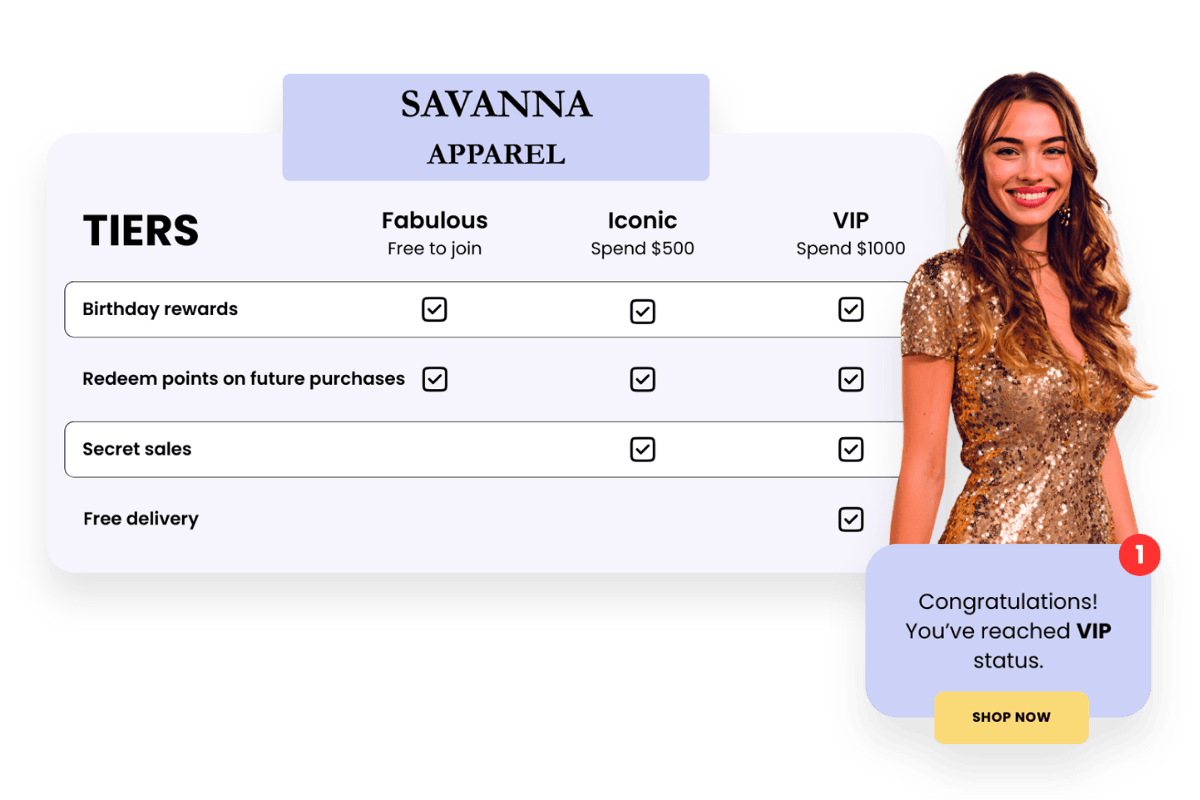
VIP tiers work best when the benefits feel genuinely worth unlocking. LoyaltyLion lets you offer a wide range of rewards and perks:
Unlock exclusive rewards — Offer rewards, products, or experiences that are only available to specific tiers.
Access privileges — Give higher-tier members benefits like free shipping or exclusive discounts.
Create moments of delight — Surprise loyal customers with birthday bonuses, gifts, or special perks that make them feel recognised.
Earn points faster — Increase points earning rates for higher tiers.
Choose the earning window for when tier statuses are evaluated:
Calendar-based tiers (New) — All member tier statuses are evaluated and reset at the same time, on the same annual schedule (i.e. 30 June), making tier rules easier to explain and track.
Rolling tiers — Members qualify for and keep their tier based on their activity over the last 12 months. Each customer’s evaluation window moves with them, so tier status updates continuously as they earn points or spend more.
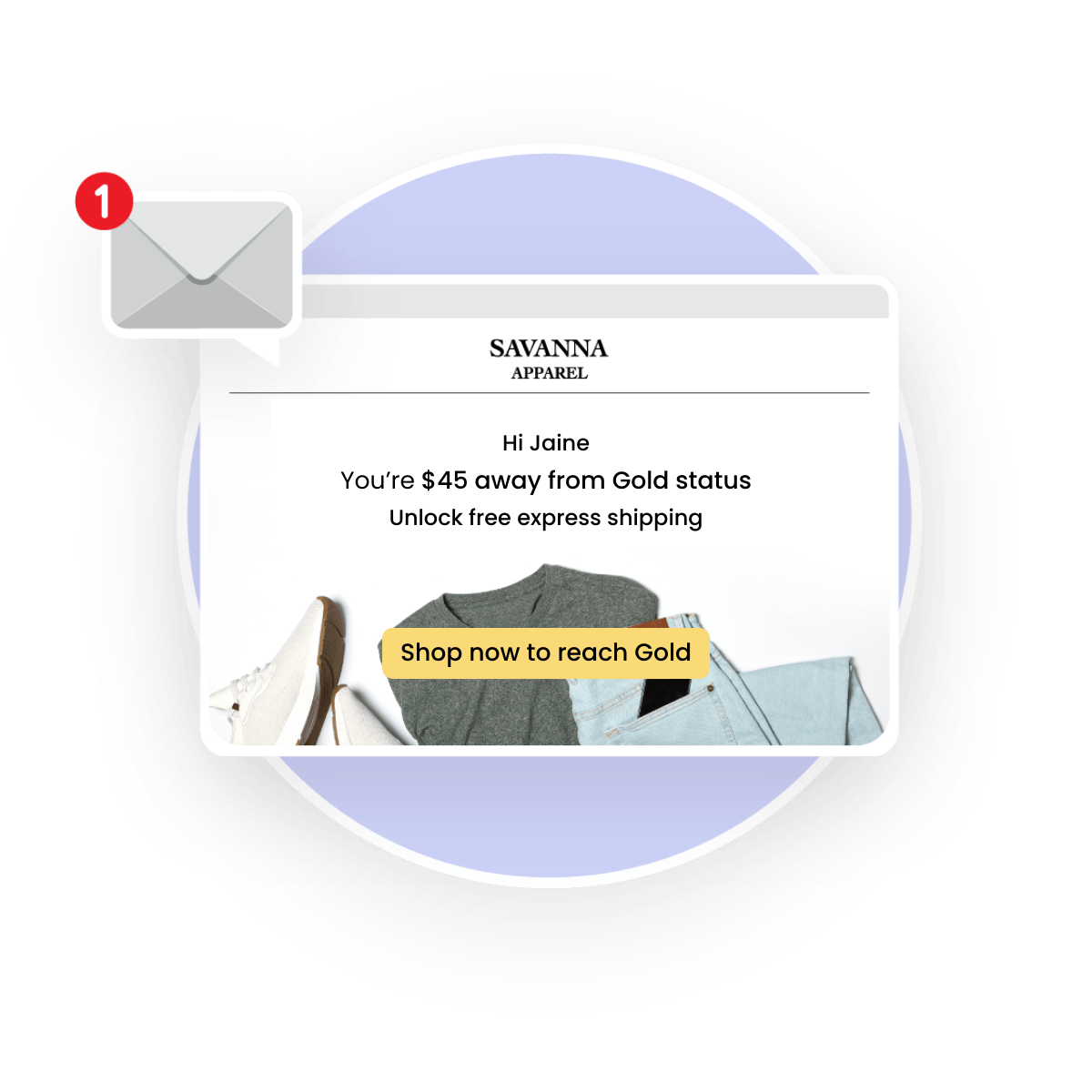
Sync VIP tier data to your email platform so every loyalty message drives the next purchase.
Show tier progress — Display how much customers have earned in their current tier and how close they are to the next level.
Encourage upgrades — Highlight the exact spend or points needed to unlock the next VIP tier.
Protect VIP status — Remind customers when their tier is about to expire and what they need to do to keep it.
Refer to our FAQs below for a list of all VIP tier data that syncs with Klaviyo.
Proven impact
2.9x
OGEE’s top-tier members order 2.9x more often than bottom-tier members.
5.3x
THE INKEY LIST’s top-tier members spend 5.3x more than bottom-tier members.
2x
LANX’s top-tier members spend 2x more than other customers.
How many tiers can I create?
You can have up to five, with more available to be added on request.
What VIP tier data does LoyaltyLion sync with Klaviyo?
You can sync advanced VIP tier data, including: tier expiration date, current tier progress, progress at expiration, progress needed for renewal or upgrade, next tier (upgrade) name, and forecasted future tier. Syncing advanced VIP tier data is available on all plans.
How do customers qualify for the next tier?
Customers qualify for the next tier based on the rules you set. Spend-based tiers: total spend with you determines a member’s status — for every dollar they spend, they move closer to unlocking the next level of exclusive VIP perks. Points-based tiers: member status is based on their ‘Points Total’ — they can climb tiers by making purchases and completing activities, like following you on social media or writing reviews.
Can tiers be modified once launched?
The availability of rewards can be changed for each tier and the number of points granted for each activity can be altered for each tier. The amount to qualify for the next tier cannot be changed, nor can you switch from spend-based tiers to points-based tiers once live. Customizing the look of your tiers can be done using the CSS editor.




© Copyright 2026. All rights reserved.
